

Add Texture to Photos Online: 39 Overlays from Film Grain to Frost
Lay film grain, dust and scratches, falling snow, frost, rain, or leaf shadows over your photo. Facelab's texture tool has 39 overlays in six sets, and each one can be scaled, rotated, flipped, and placed over the whole picture, only the person, or only the background.
Drop your photo here
JPG, PNG, WEBP, HEIC · up to 25 MB
Get 25+ AI-powered editing tools, filters, and creative effects — free on iOS and Android.


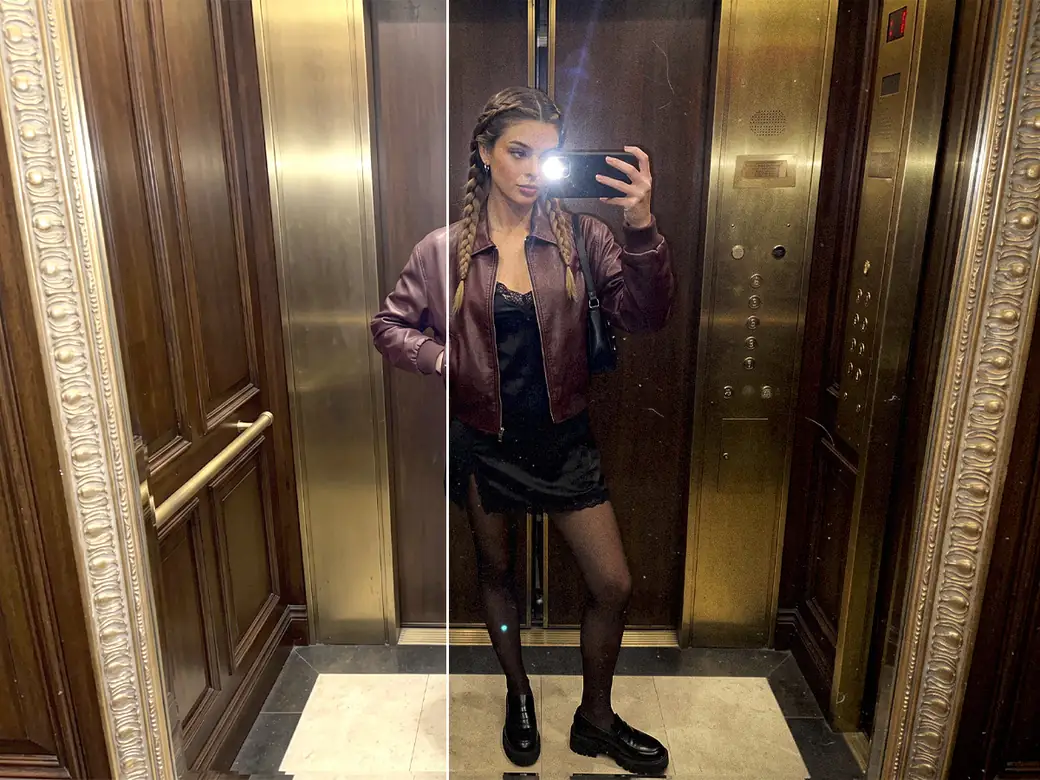
Textures help when a photo looks too clean and digital, when a seasonal post needs snow or falling leaves, or when you want the look of old film. Everything runs in your browser, with nothing to install to try the overlays on your own photo.
How to Add Texture to a Photo Online

Step 1
Upload a Photo
Choose a JPG, PNG, or WEBP file.

Step 2
Pick a Set and an Overlay
Spring, Dust, Noise, Nature, Other, and Winter each open their own grid. Tap a thumbnail to lay that texture over your photo.

Step 3
Adjust the Texture
Intensity sets how visible the overlay is. Scale and Rotation change its size and angle, Flip mirrors it, and Area places it over All, the Foreground, or the Background.

Step 4
Apply and Download
Apply the edit and save the photo as PNG, JPEG, or WebP.
Explore more Facelab tools
AI Make Up Editor
Apply virtual lipstick, eyeshadow, and blush instantly.
Open Tool →AI Hairstyle
Try any hairstyle and color — from subtle to bold.
Open Tool →Object Remover
Erase unwanted objects from photos with AI precision.
Open Tool →Background Remover
Remove any background in seconds with AI precision.
Open Tool →Watermark Remover
Erase watermarks and logos from any image instantly.
Open Tool →AI Teeth Whitening
Brighten your smile with realistic whitening in one tap.
Open Tool →Eye Color AI Editor
Change eye color naturally — any shade, any photo.
Open Tool →Image Upscaler
Enlarge photos up to 4× without losing quality.
Open Tool →Body Editor
Slim, reshape, or adjust body proportions with AI tools.
Open Tool →Skin Retouch
Smooth skin, reduce blemishes, perfect your complexion.
Open Tool →Face Shape Editor
Subtly reshape facial features with natural precision.
Open Tool →Resizing Image
Resize photos to any size without quality loss.
Open Tool →Instagram AI Photo Editor
Edit photos for Instagram with one tap AI presets.
Open Tool →Sky Replacement
Swap a dull sky for a sunset or storm clouds.
Open Tool →Background Blur
Blur the background like a portrait lens, or add bokeh.
Open Tool →Light Effects
Add light leaks, flares and a warm glow.
Open Tool →Photo Textures
Lay film grain, dust or paper over any photo.
Open Tool →Photo Color Correction
Fix exposure, color and tone with 16 dials.
Open Tool →39 Overlays in Six Sets
- Spring (6): streaks like rain on glass, leaves along the edges, leaf shadows on a wall, wildflower silhouettes, soft plant shadows, and a flowering branch in the corner
- Dust (7): film dust and specks, scratches, aged paper, and a worn surface
- Noise (6): monochrome and color film grain, plus scan lines
- Nature (6): falling autumn leaves, low mist, rain, snowflakes, fine specks, and soft snow bokeh
- Other (4): pink petals, cracked plaster, rusty grunge, and dark film streaks
- Winter (10): several kinds of falling snow, frosty frames, wind-blown snow, and festive red specks
Dust and Noise cover the analog look. Nature and Winter add weather, Spring brings plants and their shadows into the frame, and Other holds the rougher surfaces and the petals.
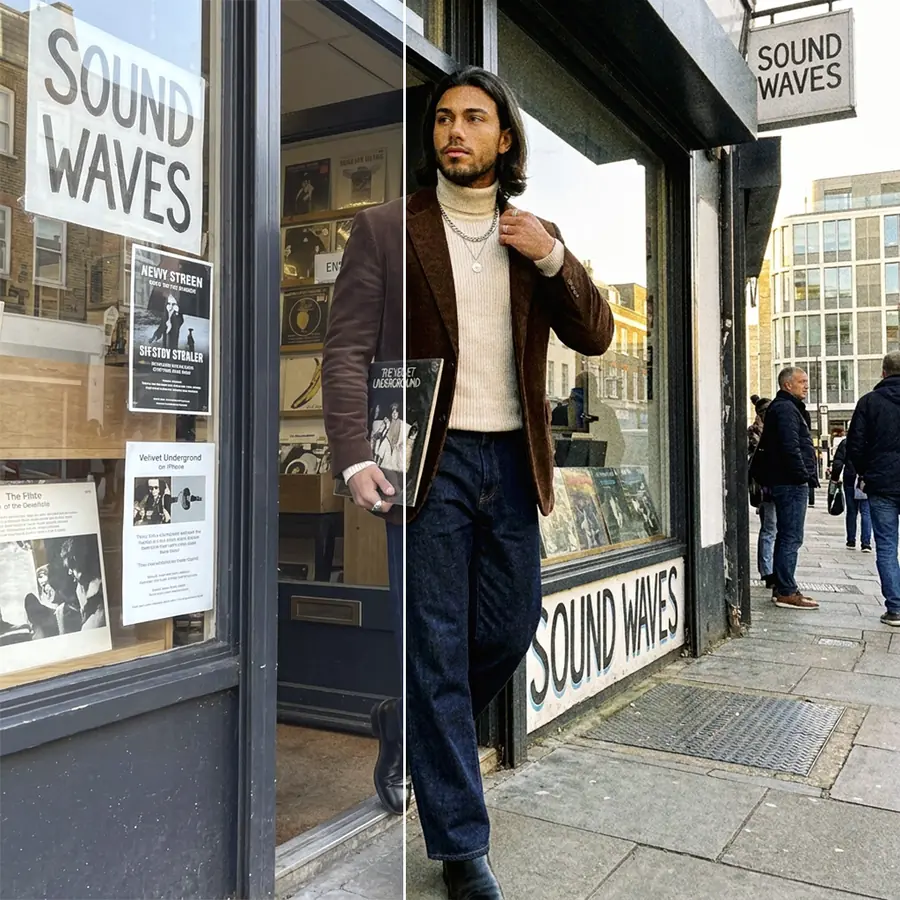
Film Grain for a Less Digital Look
Phone cameras often smooth photos heavily, and retouched skin can end up looking plastic. A fine grain from the Noise set puts texture back into smooth areas like skin, sky, and plain walls, so they look photographed again.
The set has monochrome and color grain, plus scan lines (N6) for the look of an old screen. Grain also depends on viewing size: on a phone screen fine grain almost disappears, while a full-screen view shows every speck. Check the photo at the size people will see it before you save.
Dust and Scratches for an Old Print Look
The Dust set imitates what time does to film and paper: specks, scratches, an aged paper surface, and wear. Combined with slightly faded colors, it makes a new photo look like an old print.
Use it carefully on faces. A scratch across an eye or a speck on the tip of the nose draws attention, so scale or rotate the overlay until the heavier marks land on the background, or switch Area to Background.
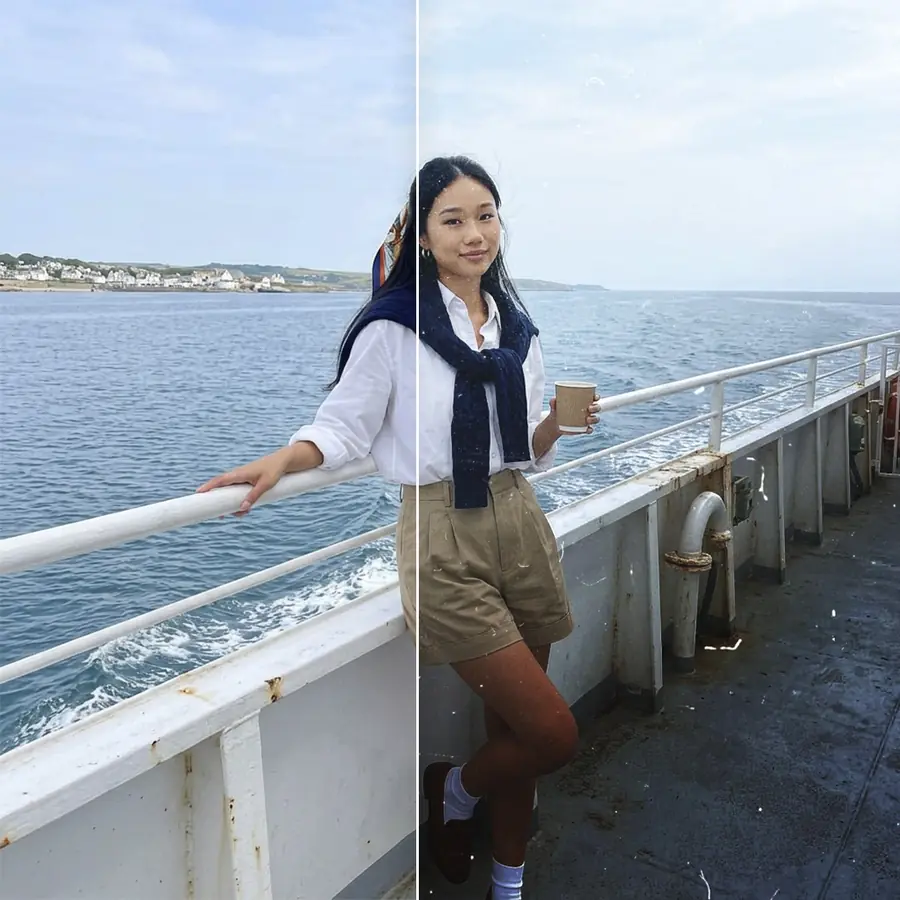
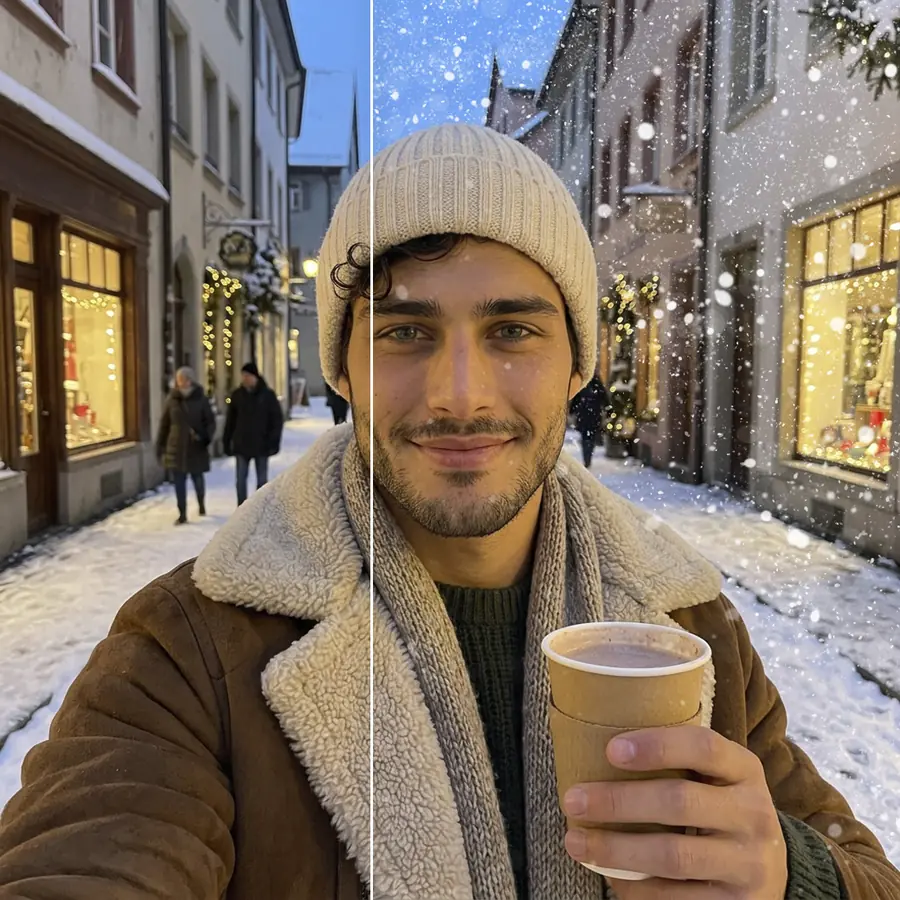
Seasonal Overlays: Snow, Leaves, Petals
Winter has ten overlays with several kinds of falling snow, frost around the edges of the frame, and snow blown by the wind. Nature adds autumn leaves, rain, mist, and snowflakes, and Other has pink petals for spring photos.
Weather overlays work best when they fit the scene. Snow over a sunny summer street or autumn leaves in a snowy park will look added on. When flakes or leaves cover too much of the face, set Area to Background so they fall behind the person.
Leaf Shadows and Plant Silhouettes
Two Spring overlays add shadows of leaves and plants, and over a plain wall behind someone they recreate sunlight passing through foliage. Set to All, the shadows also fall across the face and clothes, which is how real shadows behave. Set to Background, they stay on the wall and keep the face clean.
Wildflower silhouettes and the flowering branch frame the photo from the edges, which suits a portrait with empty space around the subject.
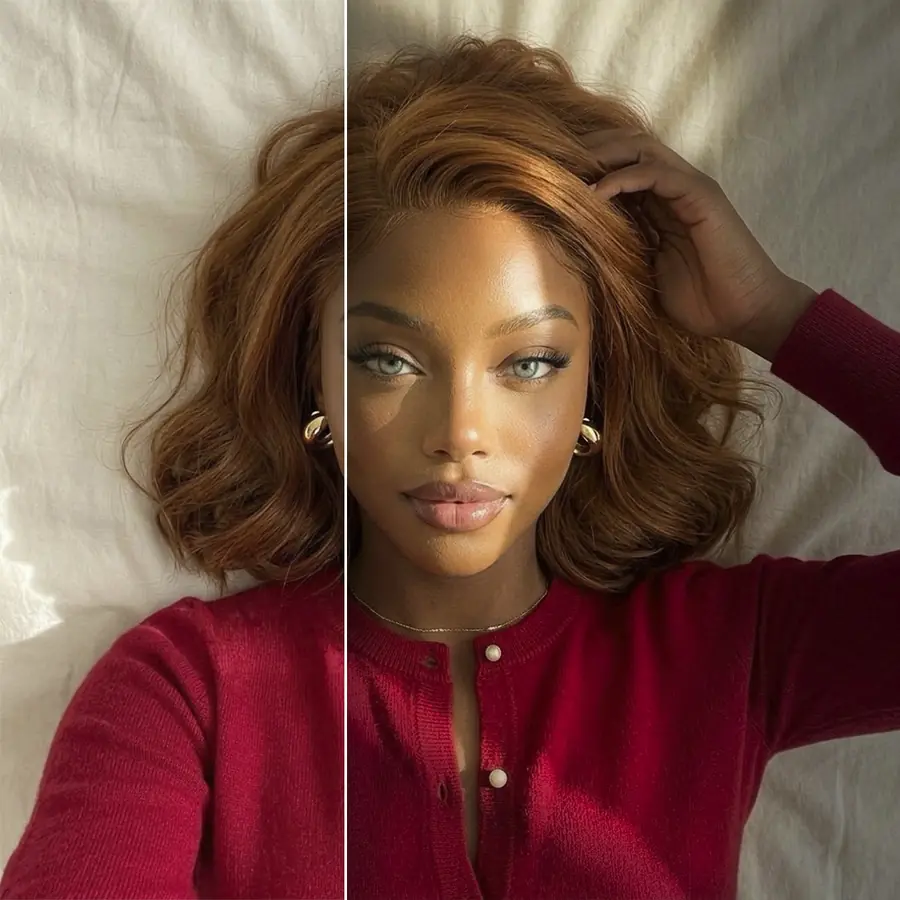
Photo Texture Overlay Online, Free to Try
The texture tool works in a browser tab so there's no app to download. You can try all 39 overlays on your own photo.
Finish with Other Facelab Tools
Light Effects adds light leaks and flares, which pair well with grain and dust for a film look. Photo Color Correction has Fade and Vignette for a matte, older finish. To smooth skin before adding grain, start with Skin Retouch.
What our users say
“I used to spend 20 minutes editing photos by hand. Now it takes 5 seconds. The results look more polished too.”
“Perfect for my e-commerce store. My listings look so much more professional now — and it's instant.”
“I tried every free tool out there. Facelab handles edge cases — hair, fine details — better than anything else.”
“I shoot products on my kitchen table. Facelab makes them look like a proper studio shot every time.”
“Used to outsource at $5 a photo. Now it's instant and free. The quality is identical — clients can't tell.”
“I edit photos for marketing assets in minutes. It completely changed how fast I can ship creative.”


Do more with the Facelab app
Get 25+ AI-powered editing tools, filters, and creative effects — free on iOS and Android.
Photo Textures: Frequently Asked Questions
What the 39 overlays include, how to keep details visible, and how to combine textures.
What kinds of texture overlays does Facelab offer?
There are 39 overlays in six sets: Spring (leaf shadows, plants, rain-on-glass streaks), Dust (specks, scratches, aged paper), Noise (film grain and scan lines), Nature (leaves, mist, rain, snow), Other (petals, cracked plaster, grunge, film streaks), and Winter (snowfall and frost).
Will a texture overlay hide the details in my photo?
At full intensity some overlays are strong, so lower Intensity until the texture sits over the photo without covering it. Area also lets you keep the texture off the person (Background) or put it only on them (Foreground).
Can I use these overlays for a vintage or retro photo effect?
Yes. Film grain from Noise and specks or scratches from Dust are the base of an old-film look. Apply one, add the other, and finish with Fade in Photo Color Correction to lift the blacks.
Do I need Photoshop or design skills to add textures to my photos?
No. You pick an overlay and adjust two controls, Intensity and Area. There are no layers or blend modes to set up.
Are the texture overlays free to try?
Yes. They work in your browser with no app. The free plan includes 3 edits at full quality with no watermark.
Try Facelab Now!
Virtual makeup, skin retouching, and AI enhancement — free to try right now.
Free to download · No commitment required